Work3 min read
Designing a screen that wants to be a print
The Alexa Photo Frame launched this week. Most of the design work was deciding what a screen in your home should leave out.

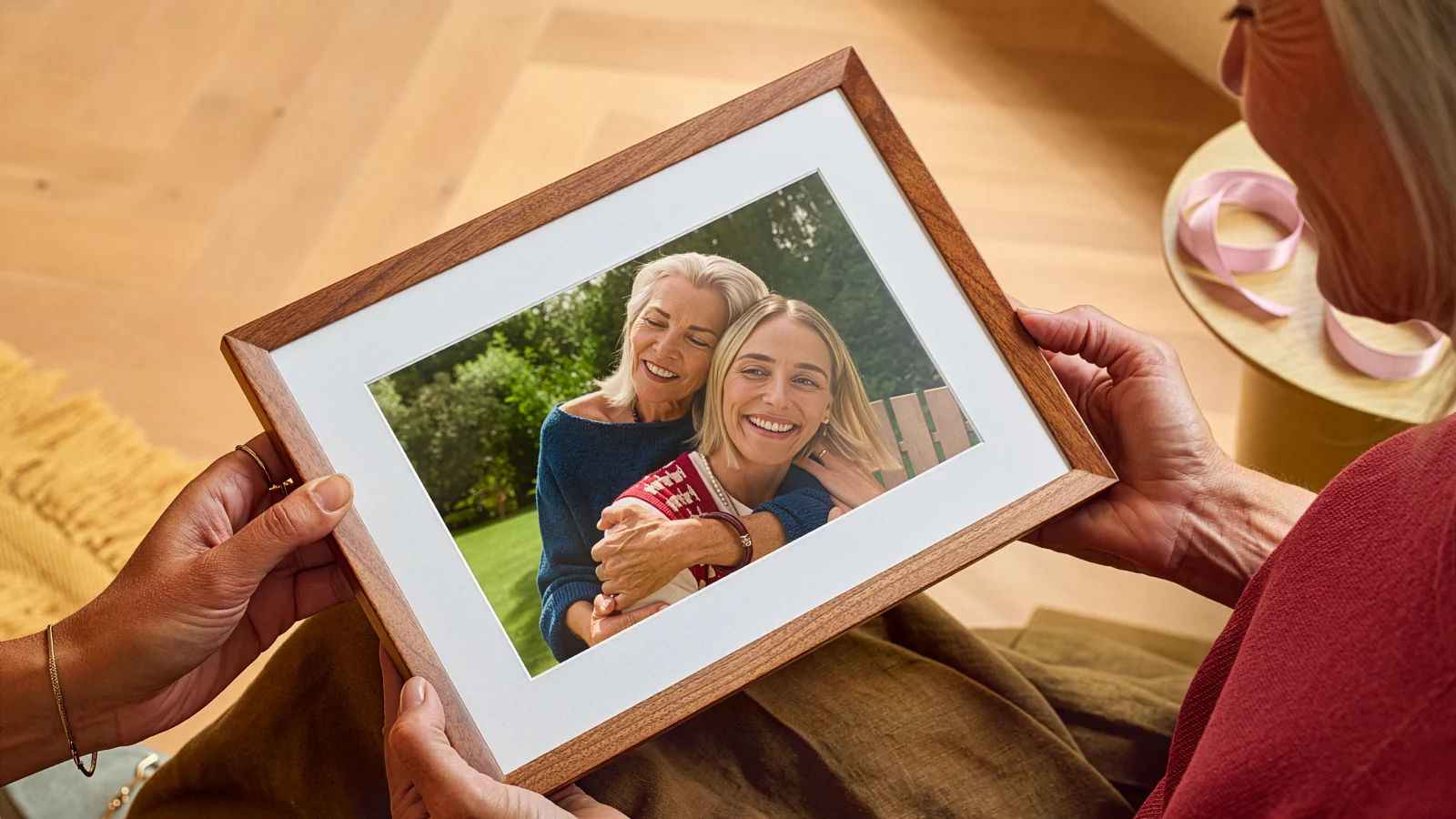
Most of our best photos never leave our phones. We take thousands, back them up, and almost never look at them again.
The Alexa Photo Frame launched this week, and I led design for the Amazon Photos experience on it. It’s a 10-inch frame with Alexa built in that shows the photos you already have, in the home where the people in them actually live.
Built to be glanced at
Your phone asks for attention all day. A frame on a shelf works the other way around. It sits at the edge of your vision for years, so its one job is to be worth looking at whenever you happen to look.
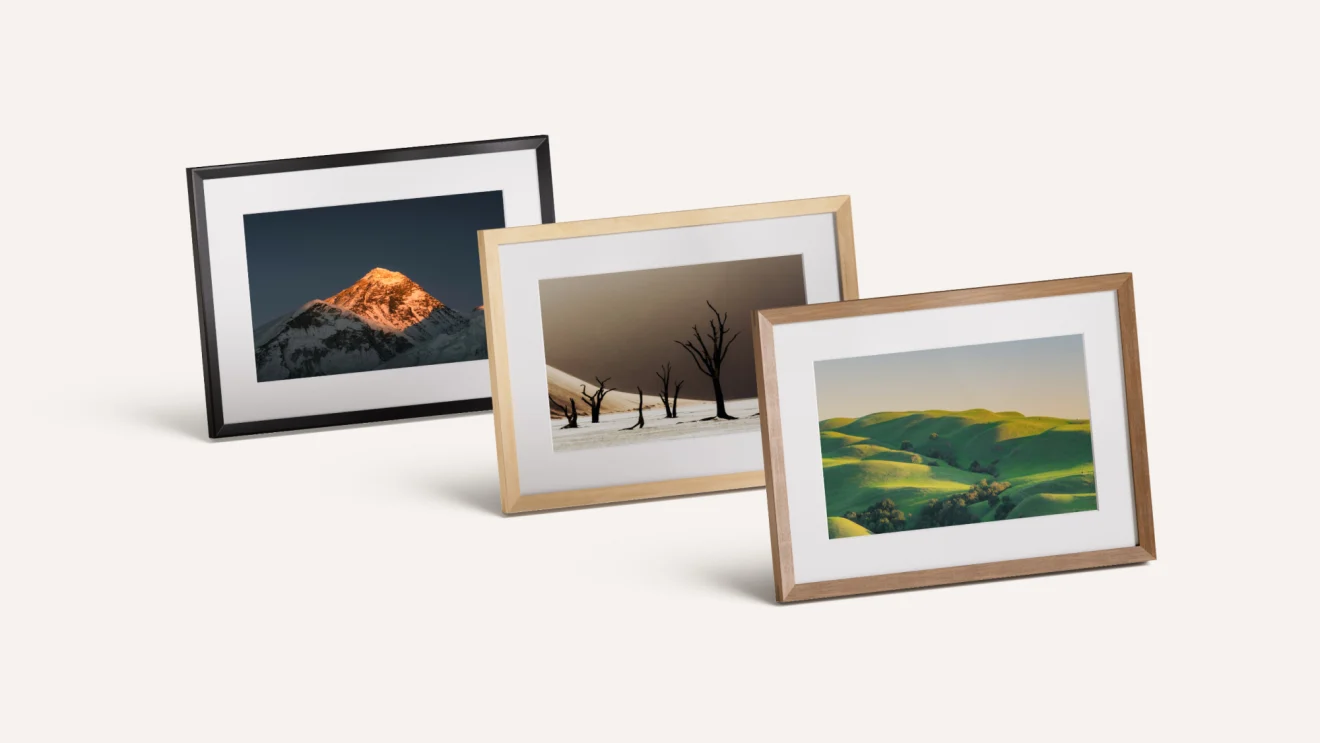
That shaped what we built. The screen has a semi-matte, anti-glare finish and adjusts its brightness from day to night, so a photo reads like a print in a bright room. It sits behind textured, soft-white matting inside a real wood frame. When nobody is touching it, the photo gets the whole screen.
Choosing what to show
The fastest way to ruin a photo frame is to show the wrong photo. Put a screenshot of a parking spot or a receipt you saved for an expense report on the mantel and the frame stops feeling special.
So the frame decides what’s worth showing. Alexa+ picks photos based on faces, time, and sentiment. It leans toward smiles and good light, matches the season, and skips the screenshots and receipts. It can also place two photos side by side to show a connection across time, like your kid in the same pose years apart. That’s the kind of AI I want more of: it works for the photos and stays out of the way.
Asking out loud
A frame sits across the room, and your hands are often busy. So you can ask for a memory out loud, like “show me photos from the trip to the beach with mom,” and it finds them.
My favorite feature is voice notes. You can record the story behind any photo in your own voice. A photo of your grandmother means more when it comes with her telling you where it was taken.
Shared with family
Photos sync from Amazon Photos as you take them, and you choose which people and albums show up. Family and friends can send photos straight to the frame, so it’s a gift that keeps filling itself.
There’s no feed on it, nothing to buy, and no notifications. Each of those would have been easy to add. Leaving them out is a big part of why it feels like a frame.
In the press
-

“…having seen it in person, it blends in incredibly well with printed, framed photos.”
Read on Mashable (opens in a new tab) ↗ -

“One nice sentimental touch is the addition of a voice note feature”
Read on Gizmodo (opens in a new tab) ↗ -

“…the Alexa Photo Frame only ever displays your photos, and you’ll never be served an ad”
Read on The Verge (opens in a new tab) ↗ -

“…the real wood border with off-white matting gives it a framing-shop look”
Read on Digital Trends (opens in a new tab) ↗ -

“…the Photo Frame’s 10-inch screen looks like a matte photograph, helping it blend in with other artwork on your wall”
Read on TechCrunch (opens in a new tab) ↗ -

“Smart curation happens in the background to choose the best photos.”
Read on WIRED (opens in a new tab) ↗
The team
This came from an incredible design team. Tidjane and Xiling Weng on core UX. Mairi McKellop and Alice Choi on mobile. Atichart Pinrut on motion. Daniel Alt on search and “More like this.” Alyssa Guo, Aishwarya Naik, Serguei Orozco, and Eric Bogner, who supported the work. Olivia Frederick, who led our research. And Kat Estacio, our design manager.
Seeing it go into people’s homes is the best part of the job. Read the announcement.